

If you are a subcontractor on UK building sites, the Construction Industry Scheme (CIS) decides how much of your money lands in your account and how much goes to HMRC before you ever see it. This is a plain-English guide to how CIS works for subcontractors, so you know what should be deducted, why, and how you get it back.
CIS trips people up because it looks like tax you are paying, but it is really tax paid in advance on your behalf. Get the basics right and it is straightforward. Get them wrong and you either lose money you did not need to, or you get a nasty surprise at the end of the year.
What is the Construction Industry Scheme?
The Construction Industry Scheme is a set of HMRC rules for how contractors handle payments to subcontractors. Under it, a contractor takes a slice off what they pay you for labour and sends it straight to HMRC as an advance payment towards your Income Tax and National Insurance. You then account for it when you do your Self Assessment. HMRC explains the scheme in full in its official CIS guidance.
It applies to most construction work in the UK: groundworks, bricklaying, roofing, carpentry, plastering, decorating, site prep, repairs and more. If you are on the tools for a contractor, CIS almost certainly applies to you.
Are you a contractor, a subcontractor, or both?
CIS splits everyone into two roles, and plenty of trades are both at once.
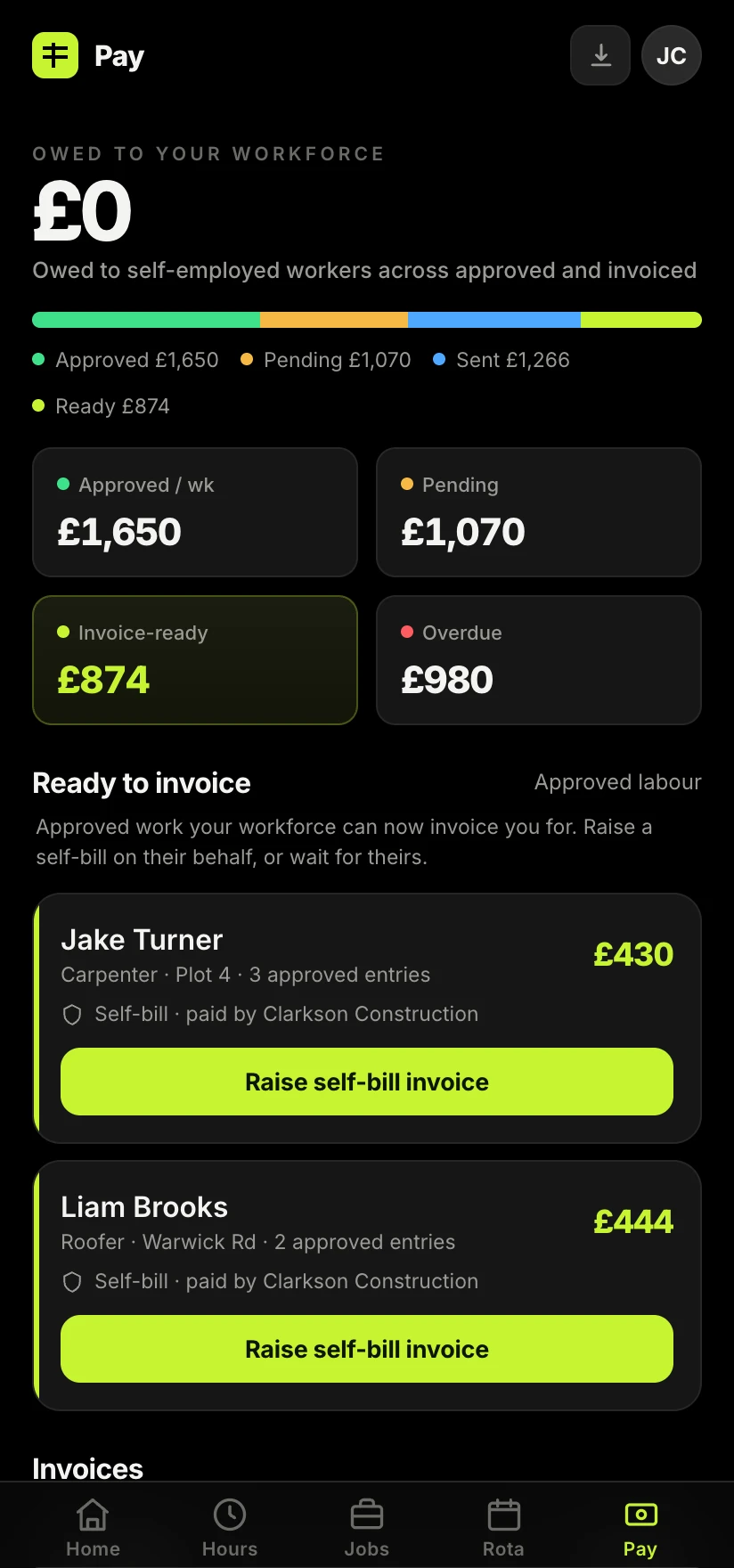
A contractor pays subcontractors for construction work. A subcontractor does the work and gets paid. If you take on a main contract and then bring in your own lads or other trades to help, you are a subcontractor to the firm above you and a contractor to the people below you. That means CIS is deducted from you, and you have to deduct it from them.
The three CIS deduction rates
How much comes off your labour depends entirely on your CIS status with HMRC. There are three rates, and knowing which one you are on is the single most useful thing in this guide.
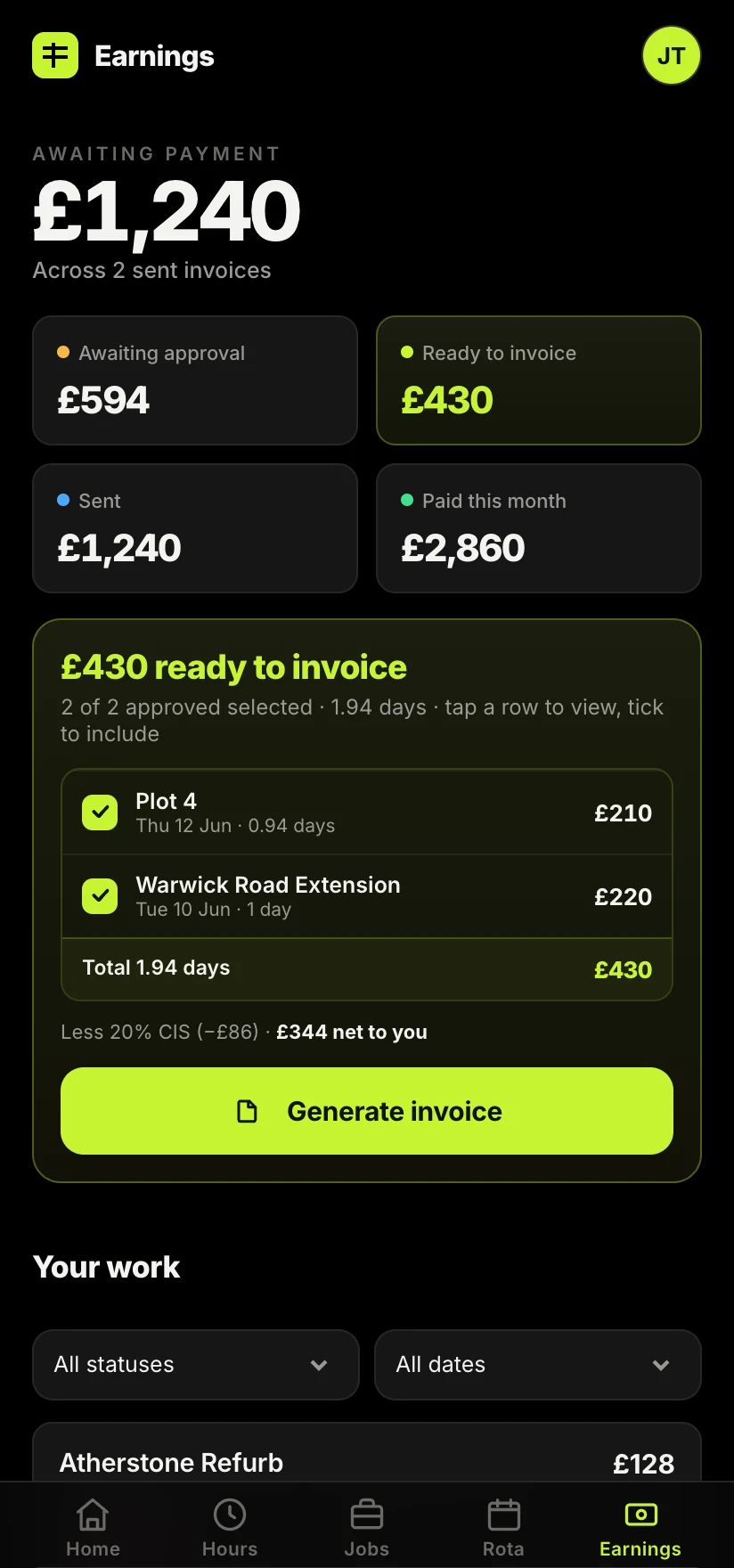
- 20% is the standard rate for subcontractors who are registered for CIS and verified by the contractor.
- 30% is the higher rate, applied when you are not registered for CIS or the contractor cannot verify you. It is not a penalty as such, but it hits your cash flow hard.
- 0% (gross payment status) means you are paid in full with nothing deducted, and you settle your tax later. You have to apply for this and meet HMRC's turnover and compliance tests. See our guide to CIS gross payment status for the detail.
The takeaway is simple: if you are having 30% taken off, you are very likely leaving money tied up with HMRC for no reason. Registering as a subcontractor moves you to 20%. Our step-by-step guide on how to register for CIS walks through exactly what you need, and you can register with HMRC as a CIS subcontractor in a few minutes.
What CIS is deducted from: labour, not materials
This is where a lot of subcontractors quietly lose money. CIS is only deducted from the labour element of your invoice. It is not deducted from the cost of materials you have paid for, or from plant hire, or from things like the VAT.
So if you invoice a contractor for a job that includes materials, those materials should be shown separately and left out of the CIS calculation. If you lump everything into one figure and let the contractor deduct 20% off the lot, you have just handed HMRC 20% of your material costs to hold onto until you reclaim it. Splitting labour and materials clearly on every invoice protects your cash flow. Our guide on how to send a CIS invoice walks through exactly how to lay that out, and our free CIS deduction calculator shows what actually lands in your account.

What the contractor has to do
If someone is paying you under CIS, they carry the admin burden. A contractor must:
- verify your CIS status with HMRC before the first payment, which sets your rate at 20%, 30% or 0%;
- deduct the right percentage from the labour on each payment;
- pay those deductions over to HMRC every month;
- give you a payment and deduction statement for each pay period, showing what was paid and what was taken off.
That statement is not optional and it is not a nice-to-have. It is your proof of the tax already paid on your behalf, and you need every one of them.
What you should do as a subcontractor
Your job is smaller but it matters. Register for CIS so you are on the 20% rate rather than 30%. Keep every payment and deduction statement, because at the end of the tax year you add all those deductions up and set them against your final tax bill. If HMRC has held more than you actually owe, you get the difference back.
The subcontractors who get caught out are almost always the ones who cannot lay their hands on their statements at year end.
If you are a sole trader, those CIS deductions are offset against your Income Tax and Class 4 National Insurance through Self Assessment, and any excess is refunded. If you run a limited company, the mechanics differ, so it is worth a quick word with an accountant.
Common CIS mistakes that cost you
A few patterns come up again and again on site:
- Staying unregistered and letting 30% come off when 20% is a five-minute fix.
- Not splitting materials, so CIS is deducted from money that was never labour.
- Losing statements, so you cannot prove your deductions and end up out of pocket.
- Guessing the rate instead of getting verified, which leads to under or over-deduction and messy corrections.
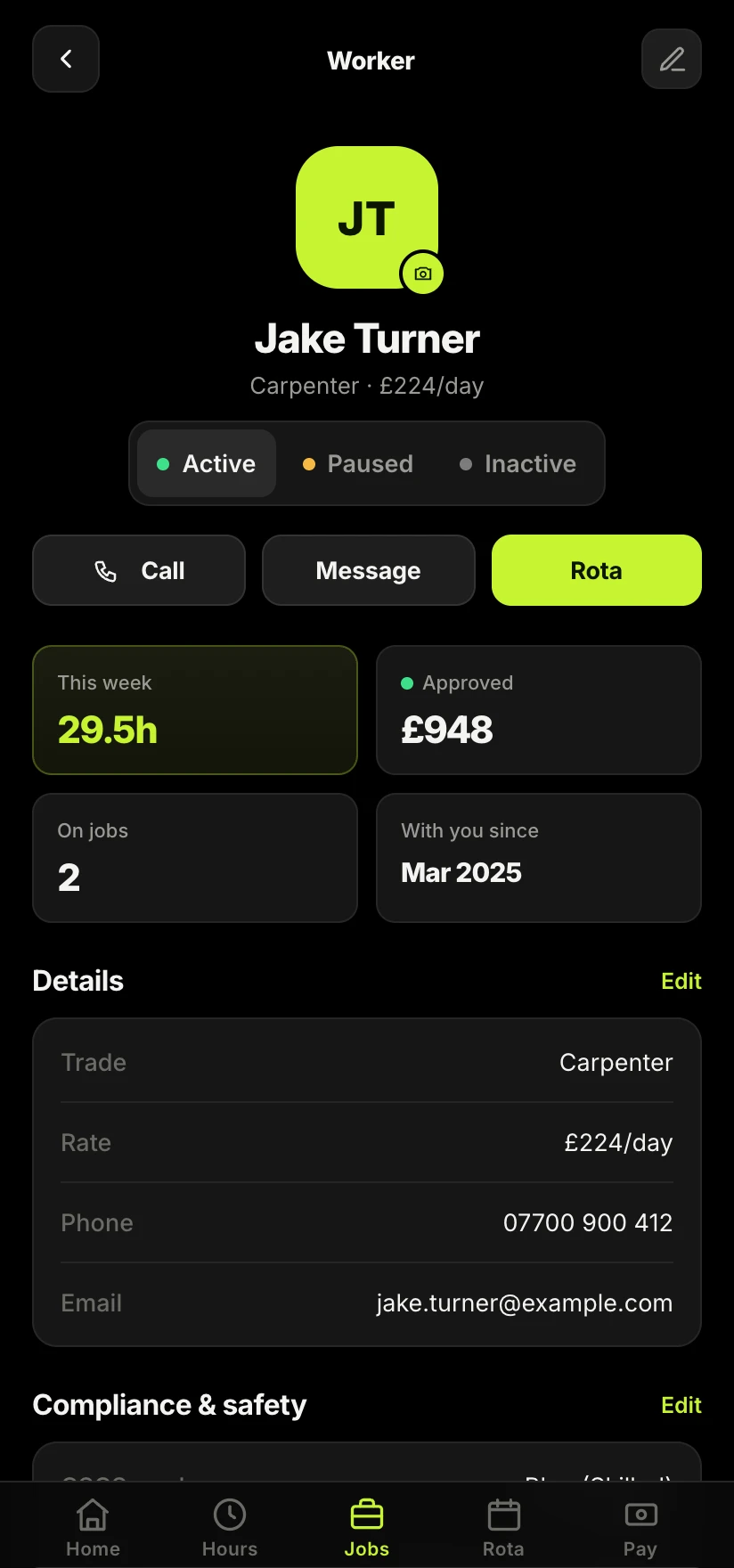
None of this is complicated once it is written down. The problem is that it usually lives in a mix of texts, paper slips and half-remembered figures. Keeping your hours, invoices and CIS deductions attached to each job, in one place, is what turns CIS from a year-end panic into a non-event. That is exactly what Sitewise is built to do: it works the deduction out on the labour and files every statement against the job, so the sums are always done for you.
Take the admin off your hands.
Sitewise works out CIS on the labour for every payment and keeps each deduction statement attached to the job. No shoebox, no year-end panic, and more of your evening back.
Join the Sitewise waitlistFree to join. Be first in when early access opens.
Frequently asked questions