

If you are a subcontractor working in construction and every payment still has 30% taken off it, the fix is usually simple: you are not yet registered for CIS. This guide covers how to register for CIS as a subcontractor, what you need before you start, and the step by step process with HMRC, so you can move to the standard 20% deduction rate, and eventually to 0% if you qualify further down the line.
What registering for CIS actually does
Every contractor working under the Construction Industry Scheme has to check whether you are registered before they pay you. If you are not on record with HMRC as a CIS subcontractor, they must deduct 30% from your labour and pass it to HMRC on your behalf. Register, and that rate drops to 20% as soon as the contractor verifies you. For more on how the wider scheme works day to day, see our guide to how CIS works for subcontractors.
Ten percentage points sounds small until you put it against a real invoice. On a £3,000 labour payment, the difference between 30% and 20% is £300 sitting in your account instead of waiting for a tax return. Run your own numbers with the free CIS deduction calculator and you will usually find that registering pays for the half an hour it takes almost immediately. HMRC's own overview of the scheme sets out the rates and who they apply to: what is the Construction Industry Scheme.
Who needs to register for CIS
If you are a self-employed subcontractor doing construction work for a contractor, and that work falls under CIS, you need to register as a subcontractor. That covers the trades you would expect: builders, groundworkers, roofers, bricklayers, plasterers, carpenters, electricians and plumbers doing construction operations, scaffolders and more. It does not matter whether you work through one contractor or several: registration sits with HMRC against you personally, not against any single job. Our subcontractor hub has more on how CIS, invoicing and pay fit together for trades working this way.
Contractors register separately and go through a different process, because they are the ones deducting and reporting tax rather than having it deducted from them. If you take on subcontractors of your own as well as working under others, you may need to register as both.
What you need before you start
Registration goes faster if you gather these first.
- Your Unique Taxpayer Reference (UTR). You get this when you register for Self Assessment. If you have not registered as self-employed yet, do that first: HMRC usually takes a few days to issue a UTR by post.
- A Government Gateway user ID and password. This is what you use to log into HMRC's online services. You can create one during the registration process if you do not already have one.
- Your National Insurance number. Sole traders need this to hand.
- Your business details. Trading name and business address, and if you operate as a limited company, the company registration number and company UTR.
- Your bank details. For any refunds, and so contractors have somewhere to pay you into.
How to register for CIS online: the step by step
Once you have your UTR and Government Gateway details, registering for CIS itself is a short online process.
- 1. Register for Self Assessment first, if you have not already. You cannot register for CIS without a UTR, so this has to happen before anything else.
- 2. Sign in to your Government Gateway account. Use the business tax account you set up when you registered for Self Assessment.
- 3. Add CIS to your account as a subcontractor. Inside your business tax account, choose to register for the Construction Industry Scheme and confirm you are registering as a subcontractor, not a contractor.
- 4. Confirm your details. HMRC checks your name, UTR and National Insurance number, or company details, against what it already holds. Mismatches here are the most common cause of delay.
- 5. Give your UTR to each contractor you work for. Registration sits centrally with HMRC, but a contractor still has to verify you before they can pay you at 20% rather than 30%, so they need your UTR to do that.
HMRC sets out the full registration route, including what to do if you would rather register by phone or post, in its guidance on registering as a subcontractor. Most sole traders get through the online steps in under half an hour once the UTR has come through.
Sole trader, limited company or partnership: what's different
The steps above cover the common case: a sole trader registering in their own name. A few things change depending on how you are set up.
- Sole traders register using their own UTR and National Insurance number. This is the simplest route and covers most subcontractors working alone.
- Limited companies register using the company's UTR, not the director's personal one. The company itself is the subcontractor as far as HMRC is concerned, and it is the company that gets verified and paid, even though the work is done by the people inside it.
- Partnerships need to register the partnership as a subcontractor and register each partner individually too, since HMRC treats partners as having their own tax position alongside the partnership's.
If you switch from sole trader to limited company partway through the year, you need to register the new company separately. Your old UTR and CIS registration as a sole trader do not carry over automatically.

What happens after you register
Once you are registered, the process shifts from you to the contractor. Before your first payment on a job, the contractor verifies you with HMRC using your UTR. That verification tells them which rate to deduct at: 20% for a registered subcontractor, 0% if you already hold gross payment status, or 30% if HMRC cannot match your details. You will not see this step happen, but it is what sets your rate with that contractor.
From there, the contractor deducts CIS from the labour element of each payment, materials are excluded, pays you the balance, and gives you a monthly deduction statement setting out what was deducted and why. Keep every one of these: you will need them at year end, and they are the paper trail if a payment ever looks wrong. If you are still working out how to invoice contractors correctly once you are registered, our guide on how to send a CIS invoice covers the labour and materials split in detail. HMRC's guidance on what you must do as a CIS subcontractor covers your ongoing obligations once you are set up, including keeping records and filing your Self Assessment return.
The subcontractors who lose money to CIS are rarely the ones who registered late. They are the ones who registered, then never checked which rate they were actually being deducted at.
Common mistakes to avoid
- Staying unregistered on 30% out of habit. Some subcontractors never register because the first job or two went fine at 30% and it slipped down the list. Every month on the higher rate is money tied up until your tax return, for no real reason.
- Confusing CIS registration with registering as self-employed. These are two separate steps. Registering as self-employed gets you a UTR and puts you into Self Assessment. Registering for CIS sits on top of that, specifically for construction work.
- Assuming registration alone gets you the 20% rate. Being registered with HMRC does not mean a new contractor already knows your rate. You still need to give them your UTR so they can verify you before your first payment.
- Losing track of your UTR. A new contractor asking for your UTR and getting a blank look is one of the most common reasons subcontractors end up deducted at 30% for the first payment or two by mistake.
- Not keeping deduction statements. These are what you reconcile against at year end and what supports any refund claim, so treat them as important paperwork, not clutter.
The next step: gross payment status
Registration gets you to 20%. Some subcontractors can go further and qualify for gross payment status, where contractors pay you in full with no CIS deducted at all, and you settle your tax through Self Assessment instead. It carries its own turnover and compliance tests, so it is worth reading properly rather than assuming you qualify. Our guide to gross payment status covers who qualifies and how to apply once you have been registered for a while.
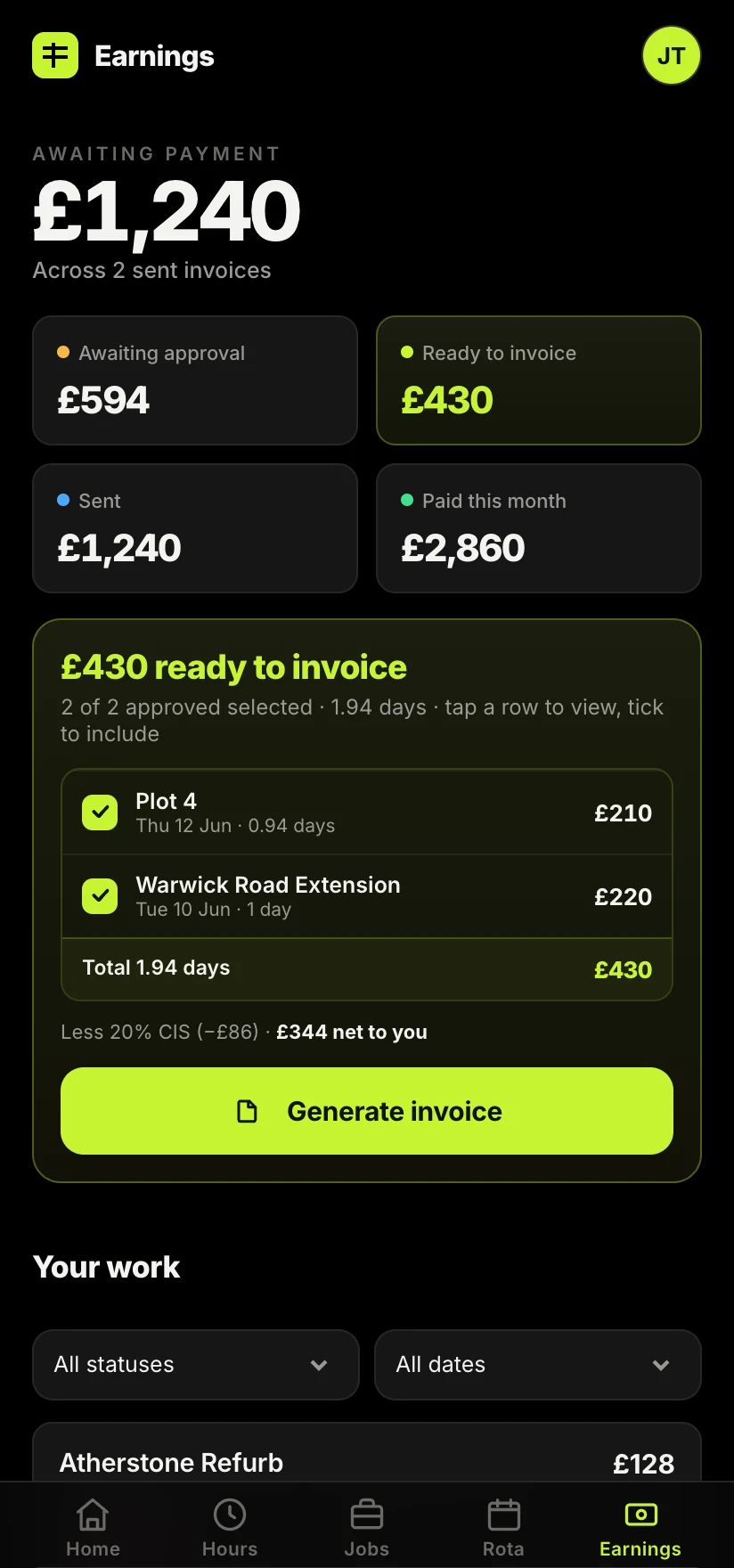
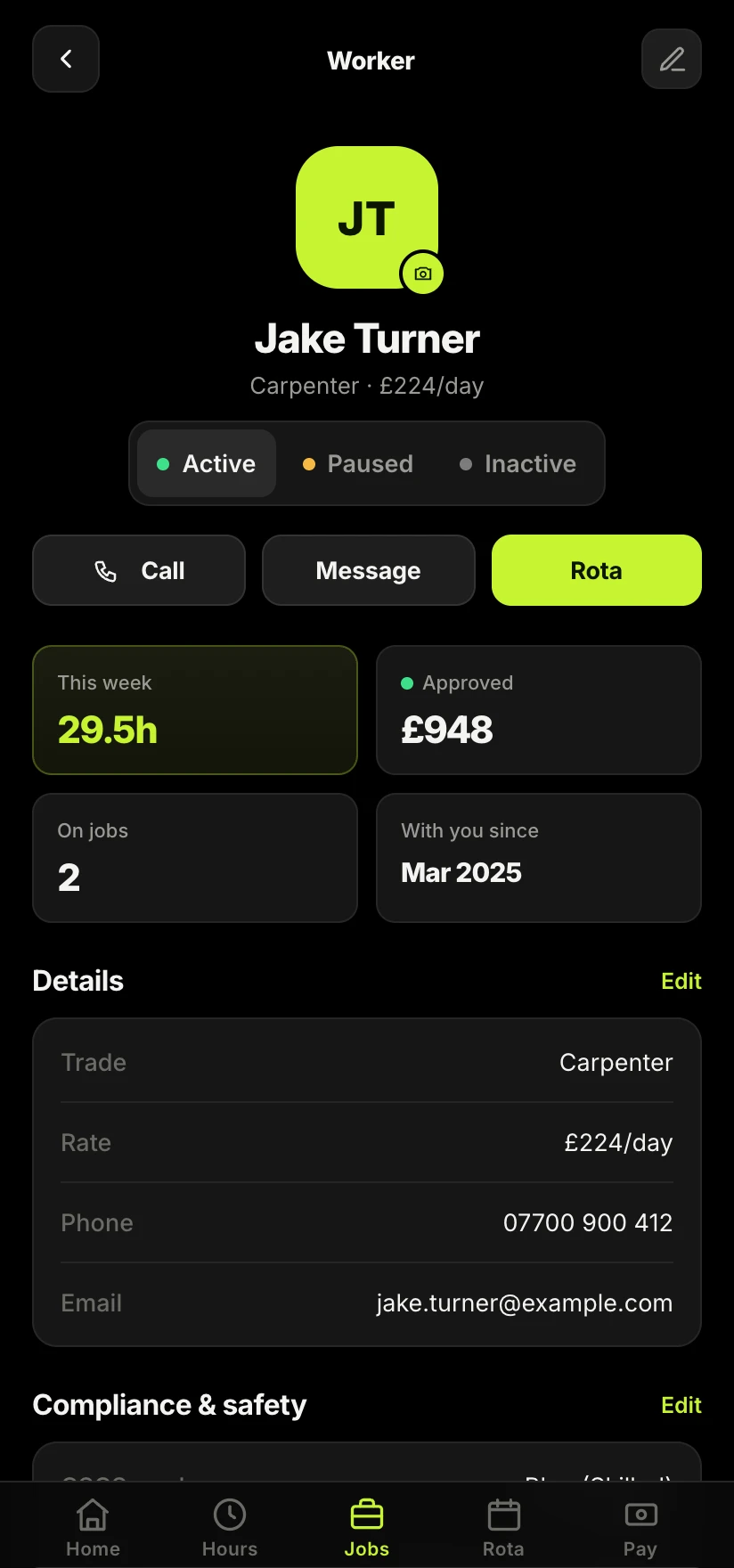
Once your rate is set, the admin that is left is mostly about keeping track: matching hours to the right job, working out CIS on invoices correctly, and knowing where your deduction statements are when you need them. Sitewise keeps hours, invoices, CIS and statements against each job automatically, so your registration status and your paperwork stay in one place instead of scattered across texts and photos of paper slips.
Take the admin off your hands.
Sitewise tracks hours, invoices and CIS deductions against every job automatically, so your registration status and rate are never something you have to chase down mid-shift.
Join the Sitewise waitlistFree to join. Be first in when early access opens.
Frequently asked questions