

If you are a CIS subcontractor, there is a good chance HMRC is holding more of your money than you actually owe. Because CIS is deducted before you are paid, and before your expenses are counted, most subcontractors are due a refund at the end of the tax year. Here is how to claim your CIS tax refund, and how to make it painless.
None of this is a loophole. It is simply how the scheme is designed: tax is taken in advance, then squared up when you file your return. If too much was taken, you get the difference back. Our free CIS deduction calculator shows how much comes off a given job.
Why you are usually owed money
Under CIS, a contractor deducts 20% (or 30% if you are not registered) from your labour and pays it to HMRC as an advance on your tax. But that 20% is taken off your labour before any of your business expenses are accounted for: tools, materials, travel, insurance, phone, workwear and the rest. When you file your Self Assessment, those expenses reduce your taxable profit, so the tax you actually owe is usually less than what was deducted. If you are not sure how the deduction works in the first place, start with our guide on how CIS works for subcontractors.
What you need to claim
To claim your refund you need a clear record of two things: how much CIS was deducted from you, and what your income and expenses were for the year. Specifically:
- every payment and deduction statement from the contractors who paid you, showing what was deducted;
- your total income for the tax year;
- your allowable business expenses, with receipts;
- your Unique Taxpayer Reference (UTR) and National Insurance number.
The payment and deduction statements are the key document. They are your proof of tax already paid, and the subcontractors who struggle at year end are almost always the ones who cannot lay their hands on them.
How the claim works through Self Assessment
You claim your CIS refund through your Self Assessment tax return. In simple terms: you declare your income and expenses, which gives your taxable profit and the tax you owe, then you enter the total CIS already deducted. HMRC sets the deductions against your bill, and if more was taken than you owe, the difference is refunded. HMRC explains the subcontractor side in its guidance for CIS subcontractors.
Add up every deduction statement, set it against the tax you actually owe once expenses are counted, and the gap is your refund.
If you run a limited company, the mechanics are different and CIS deductions are handled through your payroll and company returns, so it is worth a word with your accountant.

How to get paid back faster
Two things speed up a refund: filing early, and having clean records. File soon after the tax year ends on 5 April rather than waiting for the January deadline, and HMRC processes the refund sooner. And if your deduction statements, income and expenses are already organised, filing takes an evening rather than a lost weekend of digging through a shoebox.
Keep the records as you go
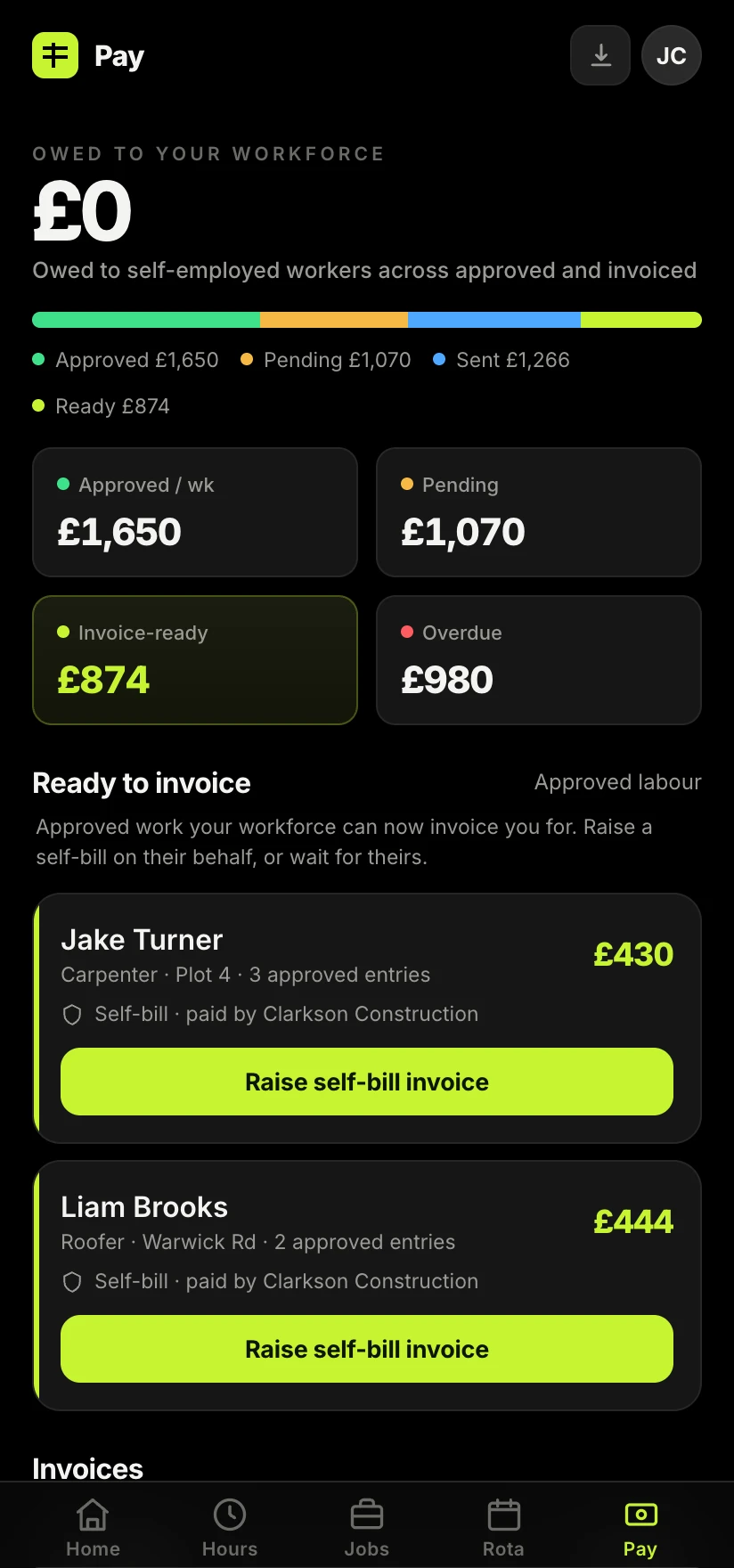
The whole thing is easy if the records exist, and painful if they do not. Keeping every payment and deduction statement, every invoice and every expense against the job it belongs to, as the year goes, is what turns your refund from a chore into a formality. Splitting labour and materials correctly on each invoice, as covered in our guide on sending a CIS invoice, also makes sure only the right amount is deducted in the first place.
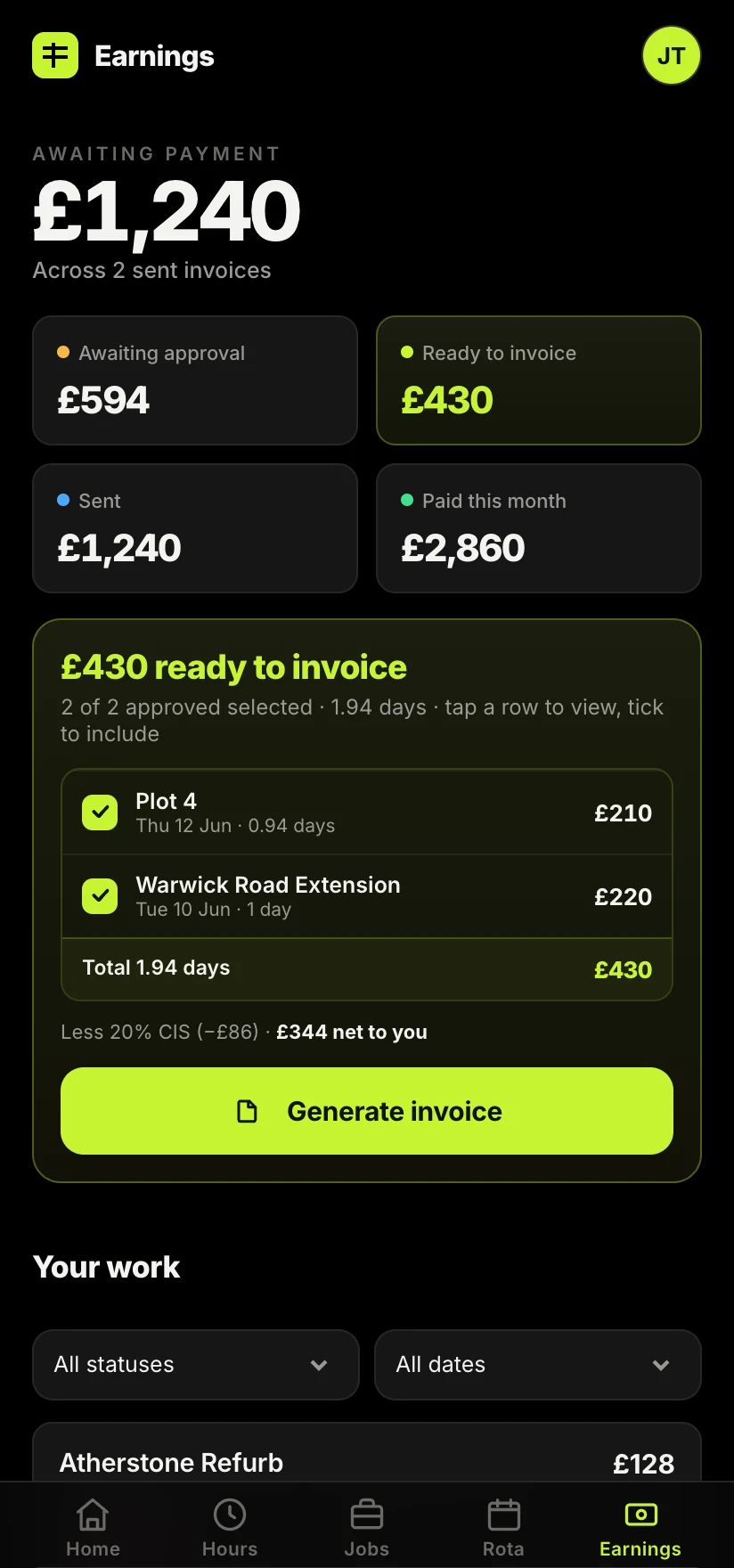
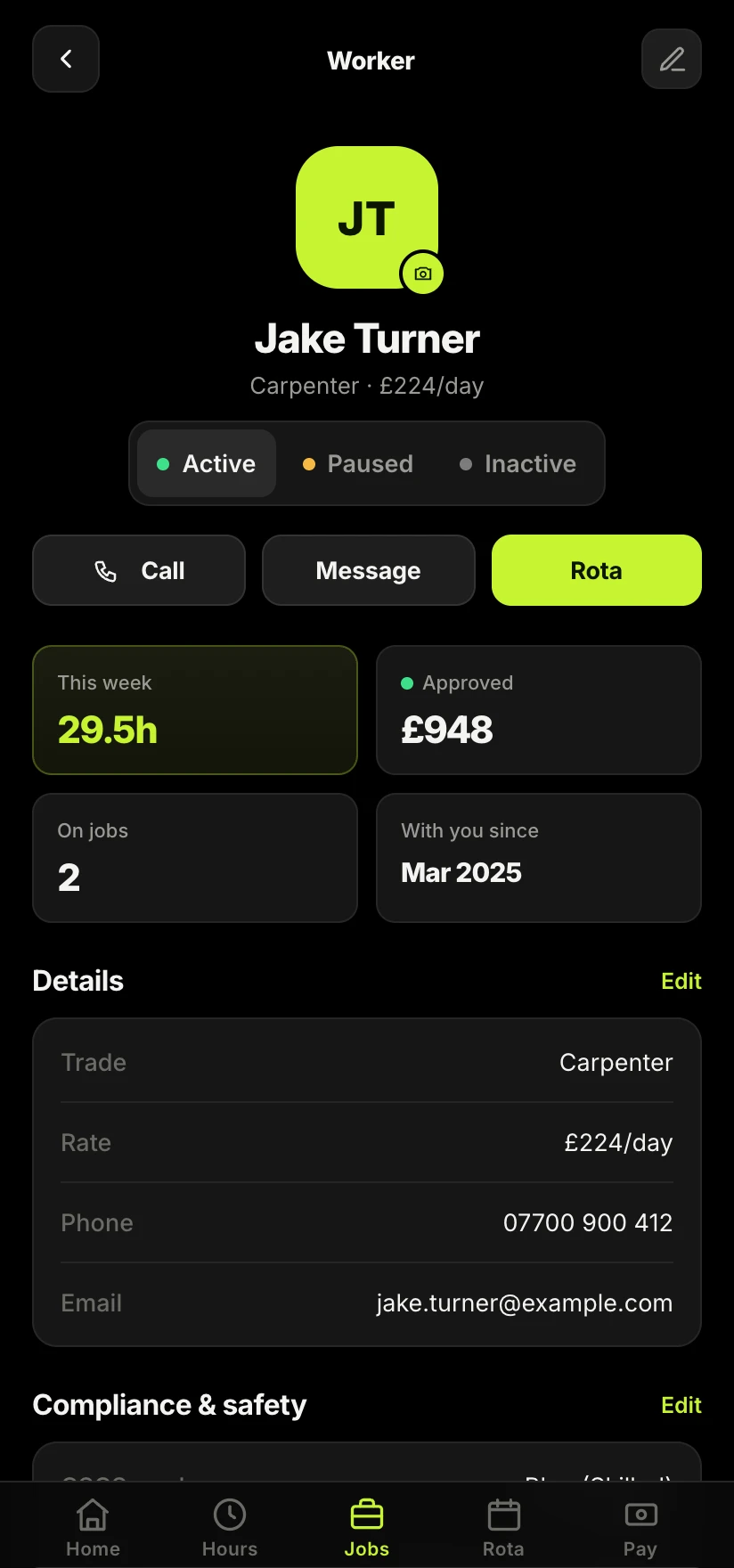
This is one of the things Sitewise is built to handle: it keeps every CIS deduction and statement against the job and the worker, so at year end your total deductions are already added up and your accountant has what they need in minutes. The refund is your money. Good records are how you get it back without the stress.
Take the admin off your hands.
Sitewise keeps every CIS deduction and statement against the job, so at year end your total deductions are already totted up and your refund is simple to claim.
Join the Sitewise waitlistFree to join. Be first in when early access opens.
Frequently asked questions