

On most sites, tracking hours is still a Friday-night phone-around: chasing crew for their days, deciphering scribbled notes, and retyping it all before anyone can be paid. It works, just about, but it leaks time and money every single week. Here is how to track hours and timesheets on a construction site so the numbers are right, agreed, and ready to pay without the weekly scramble.
Why paper and WhatsApp timesheets cost money
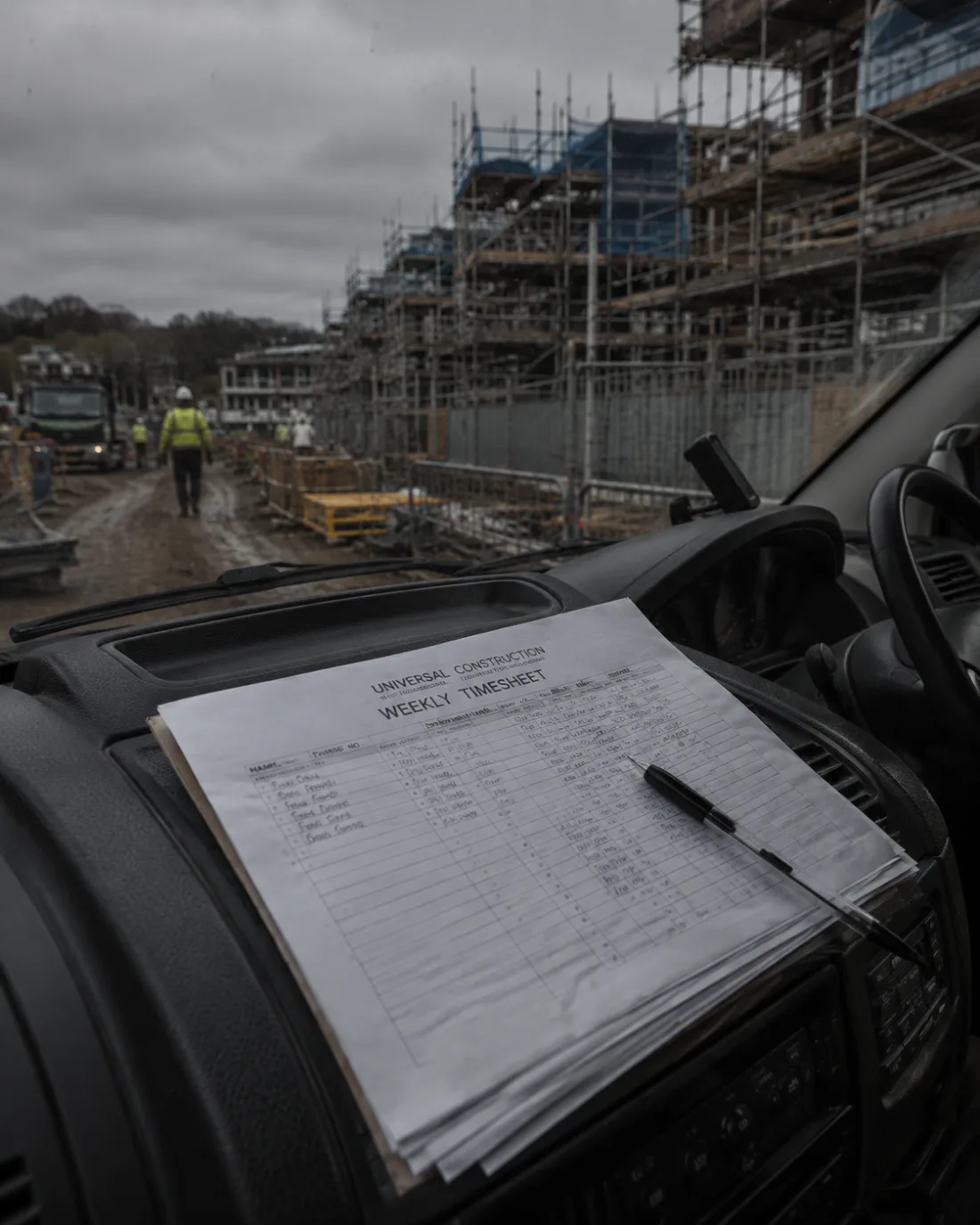
Texts and paper feel free, but they are the most expensive way to run time. Hours get remembered wrong, messages get buried, and by the time you sit down to do pay you are reconstructing the week from memory. Every hour you spend chasing and retyping is an hour you are not earning, and every mistake is either money out of your pocket or an awkward conversation with the crew.
The deeper problem is that the record lives in the wrong place. A timesheet in a chat thread is not attached to the job, so it cannot feed your costs, your invoices or your CIS. You end up entering the same numbers two or three times.
What good time tracking actually captures
A timesheet that earns its keep records more than a number of hours. It captures:
- who worked, and on which job or site;
- the date, and days or hours or an agreed price;
- a note if something needs explaining (call-out, overtime, weather delay);
- ideally a photo of the work, so there is proof attached.
Tie each entry to the right job from the start and the same data can flow into labour costs, pay and invoices without anyone retyping it.
Days, hours or price work
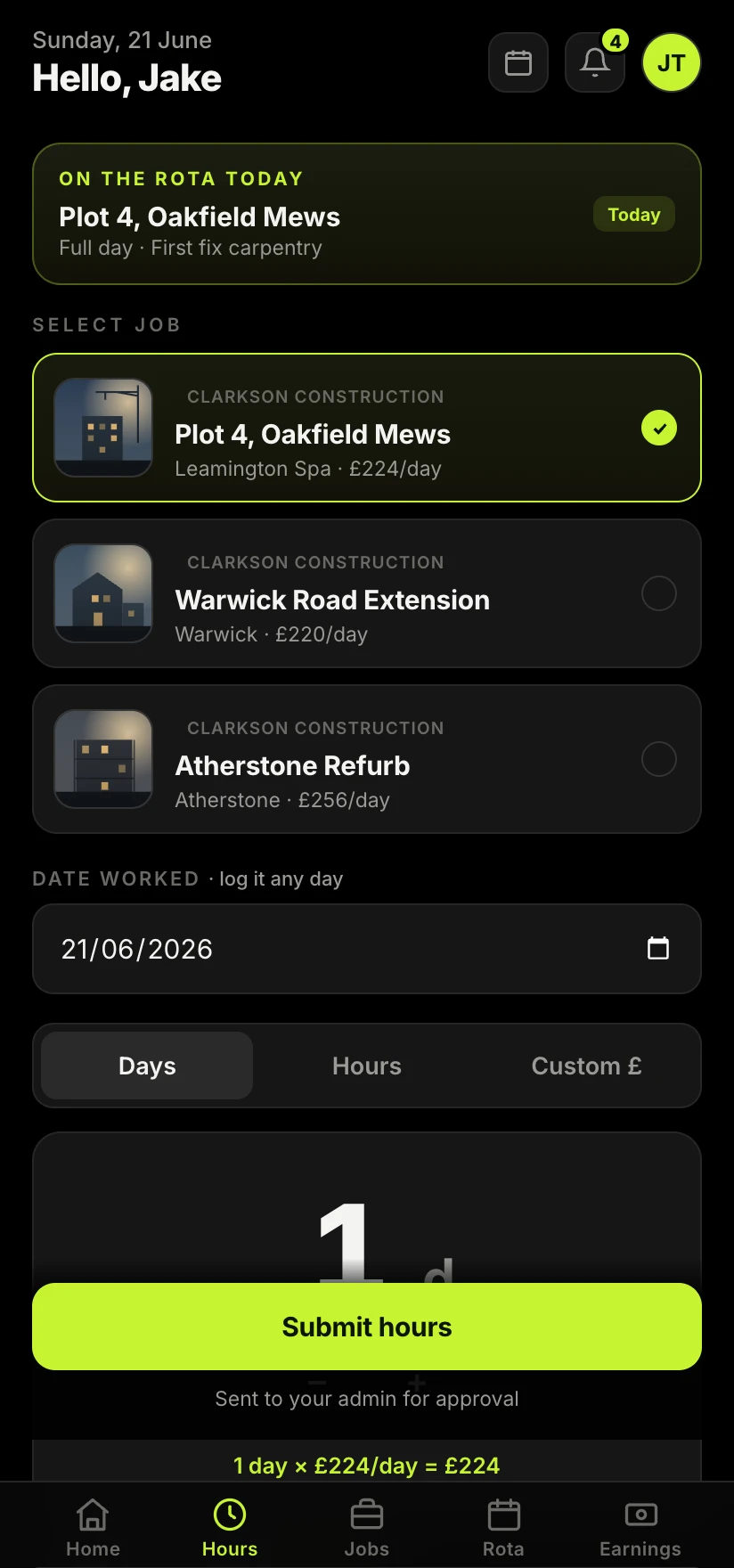
Trades pay in different ways, and your time tracking needs to cope with all of them. Some crew are on a day rate, some log actual hours, and some are on a fixed price for a task. The mistake is forcing everything into one shape. A good system lets a worker submit days, hours or an agreed amount against the job, so a bricklayer on price and a labourer on hours can both be recorded correctly and paid correctly.
Approvals: agree it once, not twice
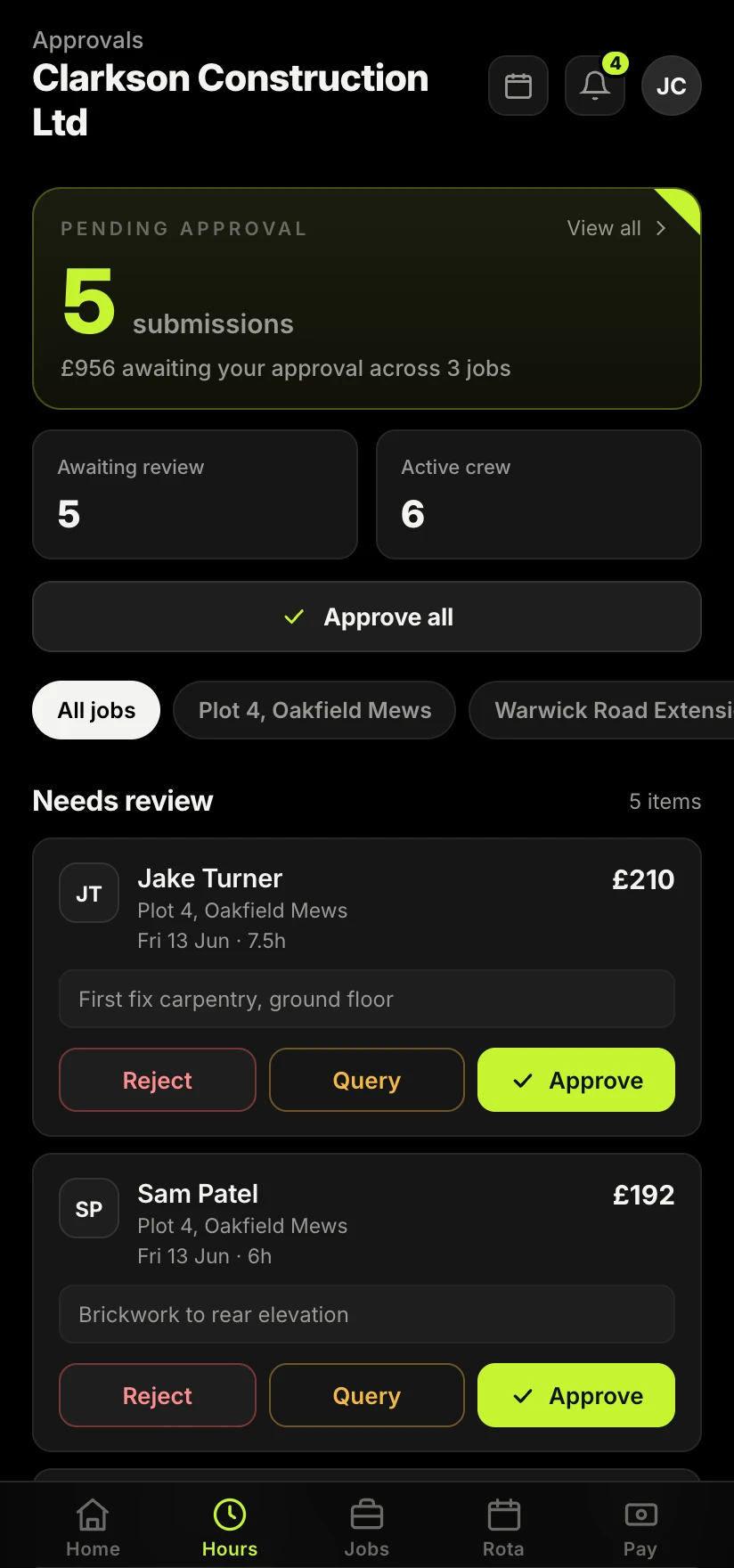
The bit that saves the most grief is approval. When a worker submits their time and the office can approve, query or reject it there and then, you settle any disagreement while the week is fresh, not a fortnight later when nobody remembers. Every approved entry becomes a timestamped record of what was agreed, which protects both sides.
The argument about hours always happens later. Approving time as it comes in is how you stop having it at all.
From hours to pay and CIS
Hours are only step one. Approved time should feed straight into what you pay and what you invoice, with the CIS deduction worked out on the labour. When your time tracking and your pay are joined up, generating a subcontractor invoice becomes a tap rather than an evening with a calculator. Our guide on how to send a CIS invoice covers the invoice side once the hours are agreed.
Going digital without the faff
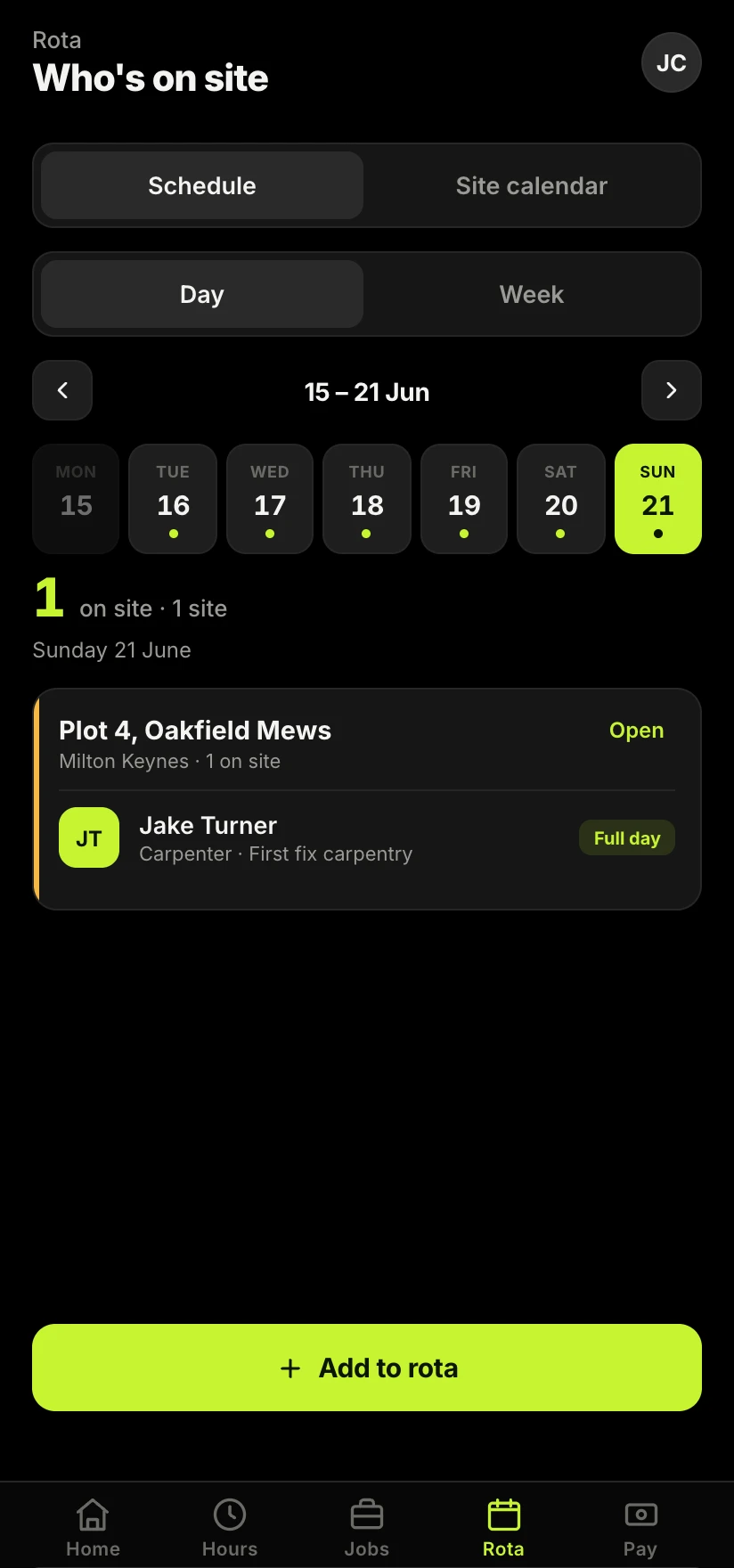
Going digital does not have to mean a clunky system nobody uses on site. The test is simple: can a worker log the day in under a minute, from their phone, against the right job, even with poor signal? If yes, the record builds itself as the week goes on and Friday night stops being admin night. If the tool is slower than a text, the crew will just go back to texting.
That is the whole point of keeping time, pay and invoicing in one place rather than spread across paper, chats and a spreadsheet. It is the reason Sitewise ties them together: your crew log the day, you approve it, and the same figures flow into pay and invoices. The less retyping, the fewer mistakes, and the more of your week goes back into running the job.
Take the admin off your hands.
Your crew log the day from their phone, you approve it in seconds, and it flows straight into pay and invoices. Friday night stops being admin night.
Join the Sitewise waitlistFree to join. Be first in when early access opens.
Frequently asked questions