

Making Tax Digital for the self-employed is the biggest shake-up to the way sole traders deal with HMRC in a generation, and from April 2026 it starts to land on the trades. If you are a builder, plumber, electrician or CIS subcontractor who files a Self Assessment return, this is the move away from one tax return a year towards keeping digital records and sending HMRC an update every three months. Here is what it actually means, when it applies to you, and how to get ready without losing your evenings to it.
The headlines have been floating around for years, and plenty of the dates have moved, so it is easy to tune it out as something that never quite arrives. This time it is firm. The first group of self-employed people come into the scheme on 6 April 2026, and a good number of them will be trades turning over more than fifty thousand pounds. The sooner you know which side of the line you sit, the calmer the whole thing feels.
What is Making Tax Digital for the self-employed?
Making Tax Digital (MTD) is HMRC's long-running project to move tax reporting online. The VAT version has been live since 2019, so VAT-registered firms will already know the drill. The part that is new for sole traders is Making Tax Digital for Income Tax, sometimes written as MTD for Income Tax Self Assessment or MTD ITSA. This is the version that affects the self-employed.
In plain terms, it replaces the single annual Self Assessment return with three things: keeping your income and expenses as digital records, sending HMRC a short update every quarter, and finishing the year with a final declaration instead of the old tax return. The idea is that your figures are kept as the year runs rather than pieced together from a carrier bag of receipts the night before the deadline. Whether that feels like a help or a hassle depends almost entirely on how you keep your records today.
When does it start, and who is in scope?
MTD for Income Tax is being brought in over three waves, each one pulling in people with a lower income than the wave before. The dates and thresholds, as set out in HMRC's guidance on when you need to use Making Tax Digital for Income Tax, are:
- From 6 April 2026: sole traders and landlords whose qualifying income was more than fifty thousand pounds in the 2024 to 2025 tax year.
- From 6 April 2027: those whose qualifying income was more than thirty thousand pounds in the 2025 to 2026 tax year.
- From 6 April 2028: those whose qualifying income was more than twenty thousand pounds in the 2026 to 2027 tax year.
To be in scope you need to be registered for Self Assessment and receiving income from self-employment, from property, or from both. Most trades on the tools fit that straight away. These dates have slipped before, which is partly why so many people stopped paying attention, but they are now set in legislation and HMRC has begun writing to people it believes are affected. General partnerships are expected to join at a later date that has not yet been confirmed, so for the moment the scheme is about individuals.
If your income sits below twenty thousand pounds you are not in the scheme for now, though the government has said it intends to keep looking at bringing smaller businesses in later. There are also exemptions, for example where it is genuinely not reasonable for you to use digital tools, which HMRC assesses case by case.
How qualifying income is worked out, and why it catches trades
This is the part that quietly surprises people, so it is worth slowing down on. Your qualifying income is your gross income: the total before you take off any expenses, and before any tax. If you have more than one source, such as a bit of rental income alongside the day job, you add them together. HMRC explains the detail in its guidance on how to work out your qualifying income.
For a CIS subcontractor there is a sting in that definition. Qualifying income is your turnover, not what lands in your bank. It is the full value you invoice, including the labour the contractor deducts CIS from and any materials you have billed, measured before the twenty per cent deduction and before your own costs. So a subbie who invoices sixty thousand pounds across a year, pays out for materials, fuel and tools, and only sees a fraction of it as profit, is still comfortably over the fifty thousand pound line and in the very first wave in April 2026. If you want to sanity-check the labour and deduction side of your invoices, our free CIS deduction calculator shows exactly what comes off and what is left.
What you will actually have to do
Once you are in the scheme, the year takes on a rhythm. HMRC sets it out in its guidance on using Making Tax Digital for Income Tax, and it comes down to three jobs.
First, you keep digital records of your income and expenses in software that talks to HMRC. Second, you send a quarterly update, which is a running summary of that income and those expenses. For the standard quarters the deadlines are 7 August, 7 November, 7 February and 7 May, and an update is due even if the quarter was quiet. Third, after the tax year ends you make a final declaration, which pulls the year together, adds anything not captured in the quarters and confirms your figures. That final declaration is due by 31 January, the same date Self Assessment has always used.
In practice, the first wave of trades will start keeping records on 6 April 2026, send their first quarterly update by 7 August 2026, and carry on from there. None of it asks for numbers you were not already keeping for your tax return. It asks for them sooner, and in a format HMRC can read, which is where a tidy record-keeping habit earns its place.
The quarterly updates are lighter than a full return. They are summary totals, not a line-by-line reckoning, and you are not paying tax four times a year. Your payment dates do not change. HMRC has also said the first year will be handled gently on late-update penalties while everyone finds their feet, but that is a cushion, not a reason to leave it.
What counts as a digital record
A digital record is simply each item of income and each expense captured electronically, with its date, amount and category, and kept in compatible software rather than on paper or in your head. A photo of a receipt on its own is not enough; the figure itself has to live in the software. For a trade that means every invoice you raise, every payment that comes in, and every cost going out, from a van tank of diesel to a pallet of blocks.
For anyone working under the Construction Industry Scheme it also means keeping your CIS picture clean: what you invoiced, what was deducted, and the payment and deduction statements that prove it. That record is already the thing that makes a tax refund straightforward, as we cover in the guide to how CIS works for subcontractors, and MTD simply turns keeping it properly from a good habit into a requirement.

Compatible software, and where Sitewise fits
You cannot send quarterly updates through the old HMRC online form. You need software that is recognised for MTD, and HMRC keeps an up-to-date list of compatible software for Making Tax Digital for Income Tax. Some packages do the full job, from record-keeping to filing. Others are bridging tools that connect a spreadsheet to HMRC. Many trades will keep their records in one place and leave the final filing to their accountant.
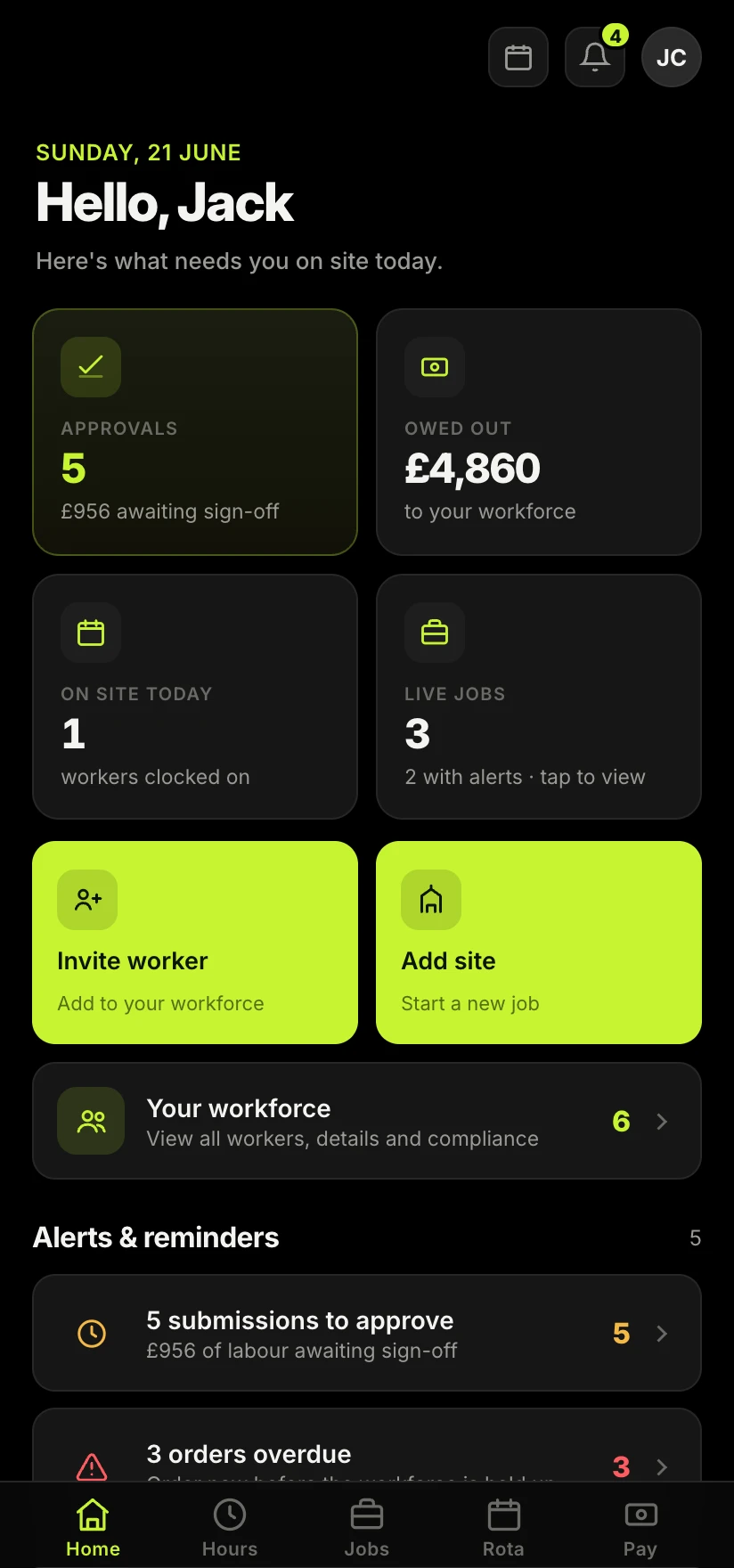
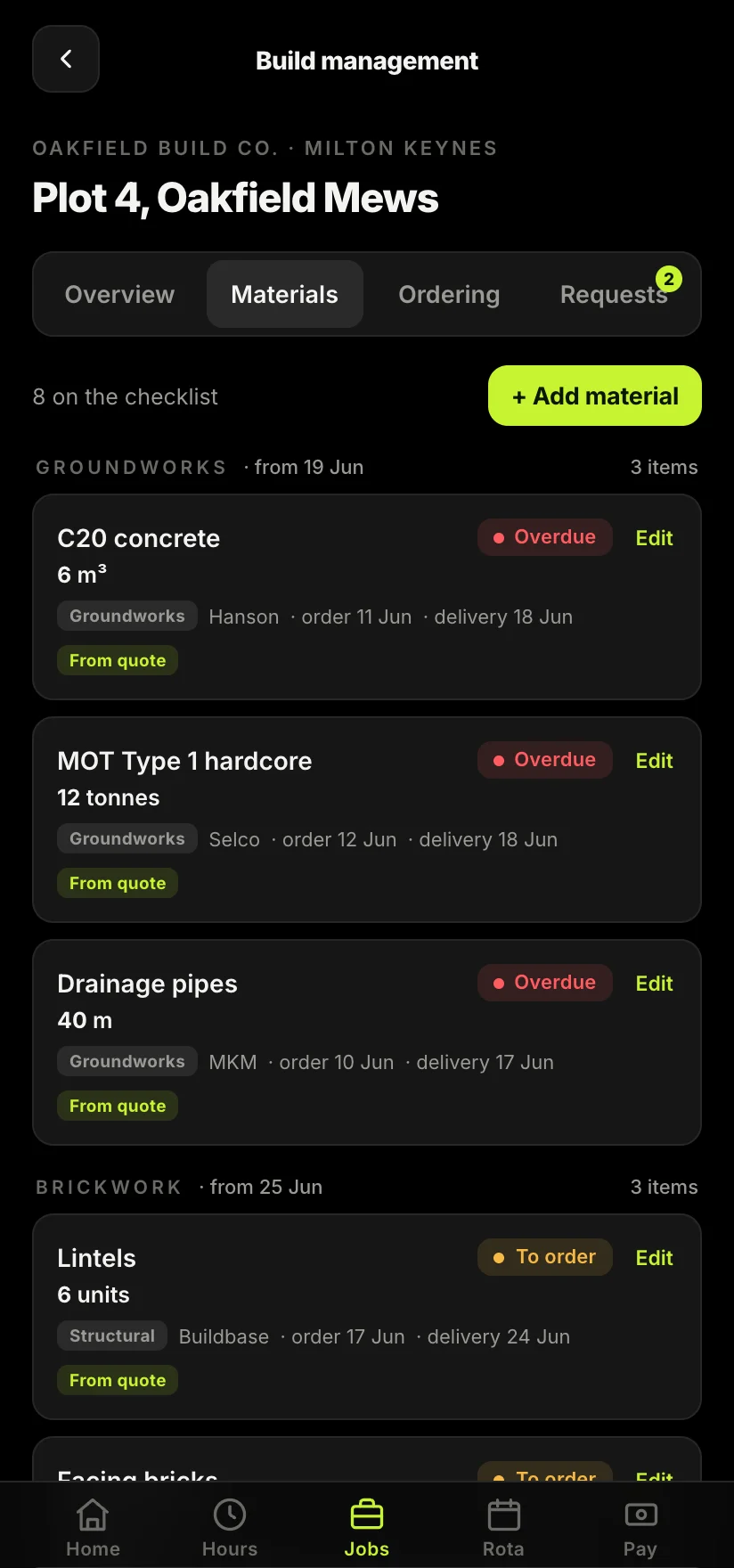
That record-keeping is exactly the gap Sitewise is built to close. Sitewise is in development for UK trades, and it is being built to keep a clean digital record of your income, expenses and CIS deductions against each job as the work happens, so the quarterly figure is a tap away instead of an evening lost to paperwork. It is not here yet, and early access is opening through the waitlist, but it is being designed with this exact shift in mind: the record kept as the job runs, ready to hand to compatible software or to your accountant.
How it hits sole-trader CIS subcontractors
Making Tax Digital does not change the Construction Industry Scheme itself. Contractors still verify you, still deduct twenty or thirty per cent from your labour, and still hand over a payment and deduction statement. What changes is the reporting around it. Your CIS income has to sit in your digital records, flow through your quarterly updates and be squared off in your final declaration, with the deductions already taken set against your bill in the usual way. If anything, keeping it digital makes the end-of-year reclaim cleaner, which is the subject of our guide on how to claim a CIS tax refund.
One important line in the sand: MTD for Income Tax is for individuals, so it applies to sole traders and ordinary partners, not to limited companies. If you trade through a limited company you report through Corporation Tax and company accounts instead, and MTD for Income Tax does not reach you in the same way. If you are weighing up which structure suits you, our comparison of being a sole trader versus a limited company for tradespeople lays out the trade-offs.
How to get ready now
You do not need to do everything at once, but a few early moves make the switch painless. Check your gross turnover for the relevant year against the thresholds so you know which wave you are in. Decide how you will keep records, whether that is dedicated software, a tool your accountant recommends, or a system like Sitewise built around how a job actually runs. Start keeping those records digitally before your start date arrives, so you are practised by the time the first quarter counts. And have a short conversation with your accountant now, because they will know their own clients' timelines better than anyone.
The trades who come out of this well will be the ones who already keep a tidy record, or who start keeping one in good time. If your books currently live in a glovebox and a banking app, the real work is not the quarterly update itself, it is building the habit of logging income and costs as you go. Our page for subcontractors shows how Sitewise is being built to make that the easy option rather than the chore.
Take the admin off your hands.
Sitewise is built to keep a clean digital record of your income, expenses and CIS deductions as each job runs, so your quarterly updates and final declaration are a tap away rather than an evening lost to paperwork. Join the waitlist to be first in when early access opens.
Join the Sitewise waitlistFree to join. Be first in when early access opens.
Frequently asked questions